
When you first encounter a shapefile in GIS work, it often feels confusing. You download what you think is one file, but suddenly there are five, six, or more items in the folder all sharing the same name but different endings. People casually say “the shapefile,” as if it’s a single thing, but really it’s a small collection of files that have to stay together—like pieces of a puzzle that only make sense as a group.
The whole concept dates back to the 1990s when Esri needed a straightforward way to move vector data around without tying everything to their proprietary formats. They came up with something simple, open enough for others to read and write, and it caught on everywhere. Even today, despite newer options like GeoPackage that bundle everything into one tidy file, shapefiles remain stubbornly popular because just about every GIS program on the planet can open them.
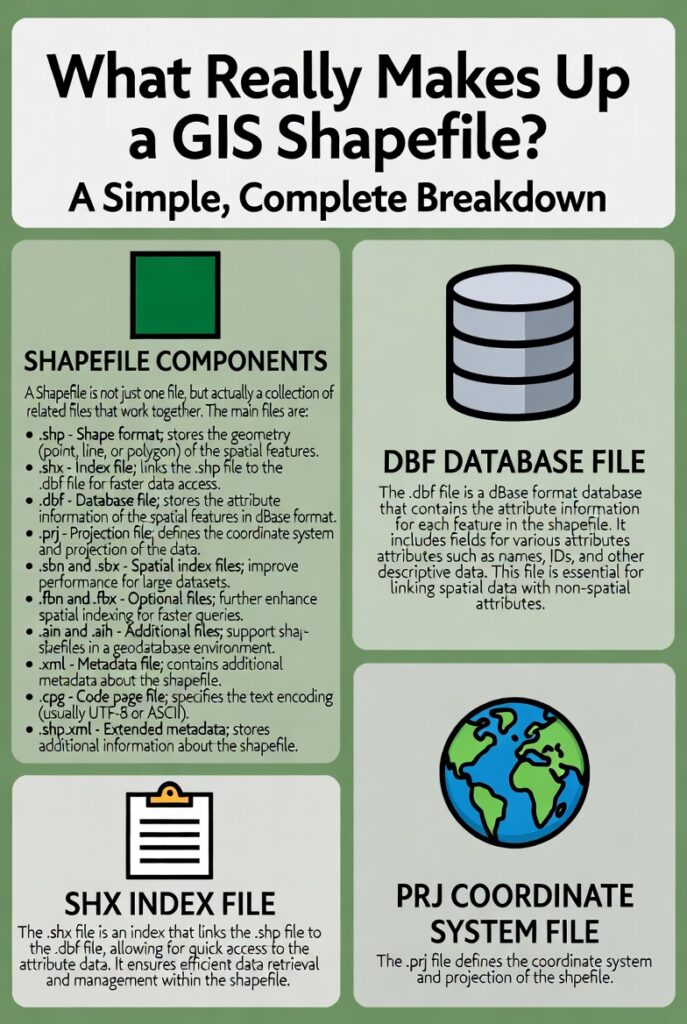
At its heart, a functional shapefile needs exactly three core files. Everything else is helpful but not strictly required.
The main geometry lives in the file ending with .shp. This is where the actual shapes are stored—points marking well locations, lines tracing roads or rivers, polygons outlining country borders or lake boundaries. The data inside uses a binary format with a fixed header describing things like the bounding box and shape type, followed by variable-length records for each feature. One record might be a simple point with two coordinates; the next could be a complex polygon with hundreds of vertices. That’s why the file can grow large quickly, though there’s a hard 2 GB limit on both this file and its attribute partner.
Next comes the .shx file, which acts like a table of contents or quick index. Without it, software would have to read the entire .shp file from start to finish every time you wanted to jump to a specific feature—painfully slow on bigger datasets. The .shx keeps a list of byte offsets so the program can leap directly to the right spot. If this file ever goes missing, most modern tools (QGIS, GDAL-based programs) can rebuild it from the .shp alone, but it’s still considered mandatory in the original specification.
Then there’s the .dbf file, the one that holds all the descriptive information. Think of it as a classic spreadsheet attached to the shapes: a column for names, another for populations, maybe one for elevation or land-use codes. It follows the old dBase format—yes, that same dBase from the DOS era—so field names are capped at ten characters, text fields max out around 254 characters, and dates don’t include time. The records line up perfectly with the shapes: the first record in the .dbf matches the first shape in the .shp, and so on. No fancy linking; it’s purely positional.
With just those three, you have a working shapefile. You can see the features on a map and query or label them using the attributes. But in practice, almost every shapefile you download includes at least one more file: the .prj.
That little .prj text file contains the coordinate reference system information, written in Well-Known Text (WKT) format. It might say something like “WGS 84 / UTM zone 32N” or describe a custom projection. Without it, the shapes know where their coordinates are numerically but have no idea where they sit on Earth. Layers show up in the wrong place, or software throws warnings about “unknown CRS.” Many people consider .prj effectively mandatory these days, even though the original spec treated it as optional.
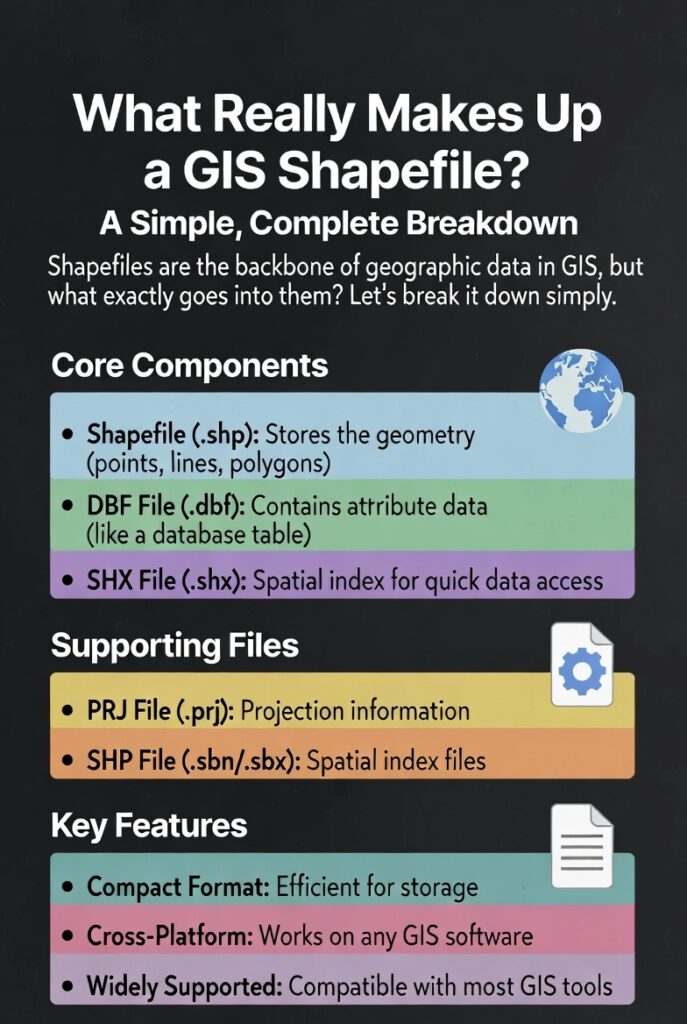
Beyond that, you occasionally see extras that serve specialized purposes. Files like .sbn and .sbx provide a spatial index that Esri software uses for faster queries on large datasets. Others, such as .cpg, tell the program which character encoding to use for the .dbf text (handy when dealing with accented letters or non-Latin scripts). Metadata files (** .shp.xml), attribute indexes ( .atx), or alternative spatial indexes ( .qix**) pop up in certain workflows, but most users never touch them.
One practical thing to remember: all these files must share the exact same base name (like “rivers_lagos”) and live in the same folder. Move or rename one without updating the others, and things break. When sharing, zip the whole set together—missing even the .shx or .dbf means the recipient can’t use the data properly.
Shapefiles aren’t perfect. They can’t store true topology (no built-in rules about which polygons share borders), they limit you to one geometry type per file, field names get truncated, and null values can behave oddly depending on the software. Newer formats solve many of these headaches, yet shapefiles persist because they’re universally readable, lightweight for transfer, and familiar.
Next time you unzip a download and see that familiar cluster of files, you’ll know exactly what’s going on inside. It’s not magic—just a clever, if slightly dated, way to keep geometry, attributes, and positioning information working together seamlessly.
Leave a Reply
You must be logged in to post a comment.